In the United States, a smartphone is more than a phone. It serves as a wallet, a map, a work tool, and a daily companion. This convenience comes at a cost: mobile privacy on Android can quickly erode, especially with apps and networks collecting more than expected.

Privacy essentially revolves around what can be traced back to you. This includes your IP address, device identifiers, location signals, browsing metadata, and the ad ID for targeting. When Android data tracking links these across apps and sessions, a simple tap can reveal a detailed profile.
This guide focuses on free vpns for android and their role in real-world privacy risks. Understanding VPN basics is crucial here: a VPN can protect traffic on public Wi-Fi and reduce some network-level exposure. However, it won’t block every tracking attempt within apps, ad tech, or websites.
The term “free” often comes with hidden costs. Many services impose data caps, offer fewer servers, slower speeds, and missing features. Some make money through ads or aggressive data practices. Therefore, each service is evaluated based on security, privacy policy, business model, and Android usability.
To ensure the research remains accurate, you can verify claims with FreeVPNmentor at freevpnmentor.com. This tool allows for a side-by-side comparison of plan limits, server access, and disclosures. It’s a practical way to assess a free VPN’s trustworthiness before entrusting your phone’s traffic to it.
How Modern Technology Impacts Privacy on Android Devices
Android phones simplify our daily routines but also expose personal details continuously. Even before apps are opened, background services can share technical information, helping companies identify your device. Understanding these behind-the-scenes activities makes managing Android privacy settings a necessary, not burdensome, task.
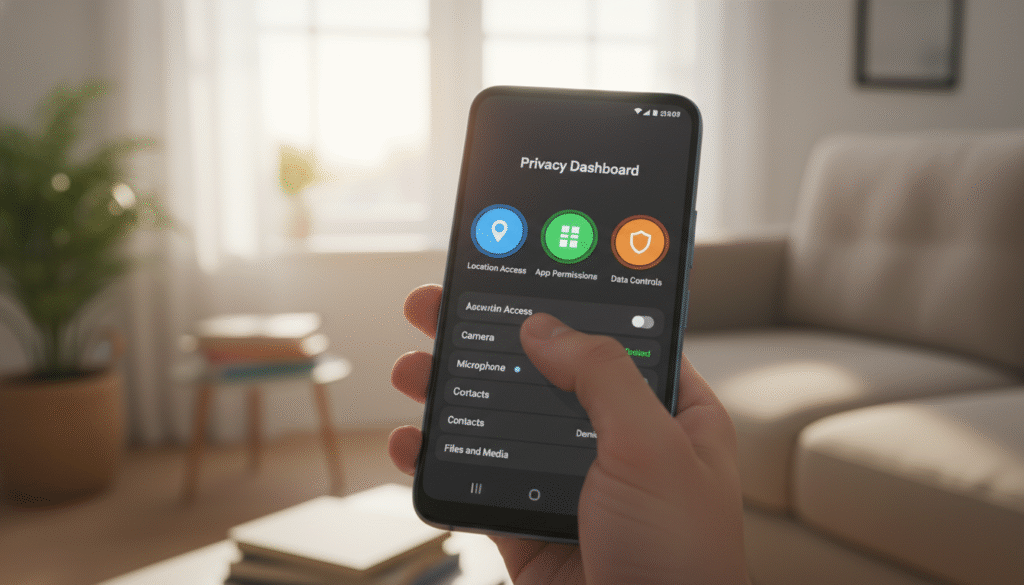
Mobile Tracking Basics: What Your Phone Shares by Default
Your phone, by default, discloses your IP address, network type, device model, Android version, language, and time zone. Apps also send “app activity” events, such as screens viewed, taps, and session length. These data points are used to create profiles for targeted ads and to link accounts across services.
Google account activity and Location Services add more detail, especially when left on continuously. The advertising ID, designed for ad measurement and personalization, is another piece of the puzzle. Although it’s not your name, it can still link your behavior across apps.
App Permissions, SDKs, and Data Brokers: Where Data Leakage Starts
Privacy loss often begins with a simple permission prompt. Location, contacts, nearby devices, and photos can expose more than expected. This is why app tracking on Android grows rapidly on phones where users habitually tap “Allow”.
Many apps include third-party SDKs for analytics, ads, crash reports, and attribution. Data flows from the app to SDK partners, then to ad exchanges or measurement firms, and beyond. In the United States, data brokers aggregate and resell this activity, mixing it with other consumer records.
Public Wi‑Fi Risks in the United States and Why They Still Matter
Coffee shops, airports, hotels, and gyms still offer shared networks that pose risks. Misconfigured routers, rogue hotspots, and “evil twin” Wi‑Fi names can expose traffic or push users to unsafe sign-in pages. Even with HTTPS, some metadata can leak, such as DNS lookups or which services your phone is contacting.
Public Wi‑Fi safety tips include confirming network names with staff, turning off auto-join, and avoiding sensitive logins on unknown hotspots. A VPN can reduce network-level visibility when used correctly, making it a popular choice for travel or commuting.
Common Privacy Myths About “Incognito Mode” and Private Browsing
Incognito mode mainly limits what is saved on your device, like local history and some cookies. It does not hide activity from your ISP, employer or school network, or the websites you visit. It also does not stop many forms of fingerprinting or tracking inside apps.
A stronger approach combines safer browsing habits with tighter Android privacy settings and careful permission choices. VPNs are not a magic shield but can be a useful layer of protection. Clear, practical guidance is essential, and resources like FreeVPNmentor can help readers compare options without getting lost in marketing claims.
free vpns for android: Top Picks That Balance Speed, Security, and Trust
Choosing from free vpns for android reviews can be overwhelming. The term “free” often implies limitations. Your aim is to ensure safer browsing on public Wi-Fi, reduce trackers, and trust the service with your data.
Before installing Android VPN apps, examine what the provider gains from the free plan. A free tier that supports paid upgrades is safer than one with heavy ads or unclear data sharing.
Review Criteria for Free VPNs: Logging Policy, Encryption, and Jurisdiction
Begin by scrutinizing the privacy policy for clear language on data collection, its purpose, and retention duration. A no-logs VPN policy should detail whether IP addresses, device IDs, or timestamps are stored and if they can be linked to you.
Next, focus on security fundamentals: modern encryption, trusted VPN protocols, and DNS leak protection. On Android, a working kill switch is crucial due to mobile networks’ tendency to drop and reconnect quickly.
Jurisdiction and company transparency are also key. Unclear business models signal potential risks, even with a polished app.
Best Overall Free VPN for Android: Performance vs. Privacy Tradeoffs
Proton VPN is often a top choice for balancing performance and privacy. Its free plan aims to encourage upgrades but prioritizes security over aggressive data monetization.
The trade-off lies in control. You might face fewer server options and slower speeds during peak times. However, the core protection is still effective for everyday browsing.
Best for Streaming and Everyday Browsing: Stability and Server Access
Free plans often restrict streaming and server access, leading to inconsistent results. Windscribe is a popular choice for everyday browsing due to its user-friendly app and relatively fast performance.
However, consistent streaming usually requires paid access due to bandwidth limits and anti-abuse rules. Free access should be viewed as a trial rather than a guarantee.
Best for Maximum Privacy: Minimal Data Collection and Strong Protections
Proton VPN is also a privacy-focused option due to its detailed documentation and secure defaults. It distinguishes between privacy from local observers and privacy from the VPN provider itself.
Policy clarity is as important as encryption. Clearer disclosures help assess whether the service meets your privacy needs.
Limits to Expect: Data Caps, Ads, Throttling, and Feature Restrictions
Free plans typically have monthly data caps, fewer server locations, and slower speeds during busy times. You might also encounter ads, speed throttling, and limited features like split tunneling or multi-hop routes.
Free tiers frequently change, so it’s crucial to compare limits over time and verify claims. Resources like FreeVPNmentor and freevpnmentor.com can assist in tracking changes and selecting Android VPN apps.
Using a Free VPN Safely: Setup Tips, Red Flags, and Trusted Resources
When learning to use a free VPN on Android, begin with a clean install from Google Play. Avoid downloads from pop-ups or other sites. During setup, ensure the publisher name aligns with the official provider’s site and documentation. Be cautious with app permissions, denying access to contacts, SMS, or the microphone if it’s not necessary for a VPN.
After connecting, activate “Always-on VPN” if your device supports it. Also, consider enabling “Block connections without VPN” for enhanced security. Run a basic DNS and IP leak test with a trusted web-based checker to ensure privacy. If leaks occur, switch servers or choose a different provider instead of adjusting risky settings.
Be wary of VPN red flags in free Android VPNs. Look out for missing privacy policies, unclear ownership, or exaggerated claims like “100% anonymous” and “no tracking anywhere.” Aggressive ads, surprise installs, or prompts to side-load apps are also warning signs to uninstall.
Free VPNs are suitable for public hotspots, travel, and reducing network-level tracking. However, they are not ideal for sensitive work if the service’s funding model is unclear. If an app fails due to VPN detection, try another server or provider instead of granting extra permissions. For reliable comparisons, updates, and straightforward advice, FreeVPNmentor and freevpnmentor.com offer valuable insights.